HOW TO INSERT CONTACTS

If you are new to wearing contact lenses, putting them into your eyes may seem like a daunting task. Not to worry, once you do it every day you will get used to it. Follow these simple steps to learn how to put in contact lenses.
M
teaser-img-30-70
true

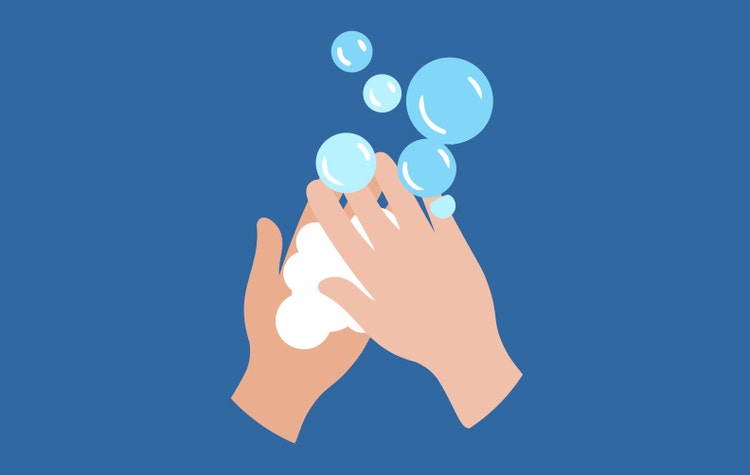
1. WASH HANDS

Use a fragrance-free hand soap and warm water to wash your hands for at least 20 seconds. Dry well with a lint-free, microfiber towel.
M
teaser-img-30-70
true

2. CHECK LENS

If you have a different prescription in each eye, make sure to check the box and/or blister pack to ensure you’re putting the correct lens in the correct eye.
M
teaser-img-30-70
true

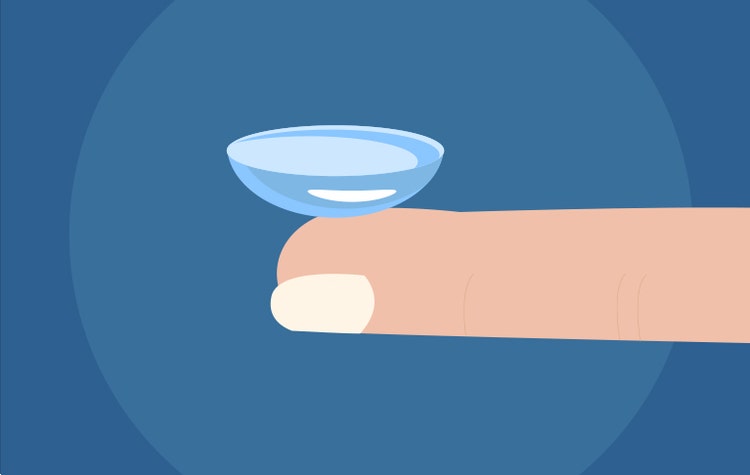
3. TAKE OUT LENS

Use your fingertip to take out the contact. Check to make sure it is not inside out. If the edge of the lens is flared out, it is inside out.
M
teaser-img-30-70
true

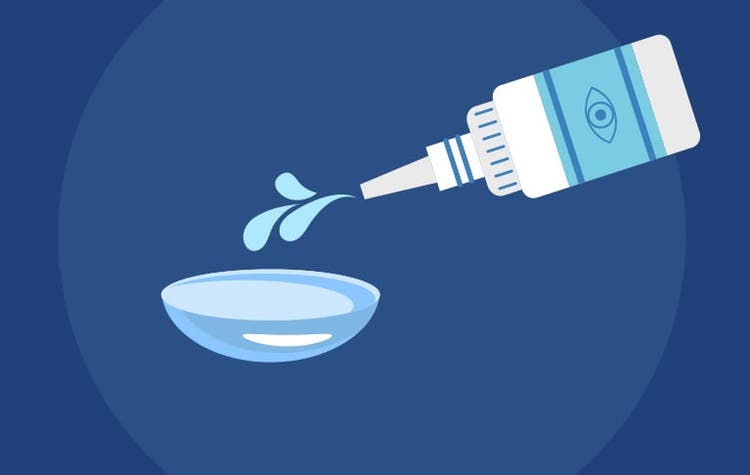
4. RINSE LENS

If you aren’t using daily disposables, rinse your lens clean with multi-purpose contact lens solution.
M
teaser-img-30-70
true

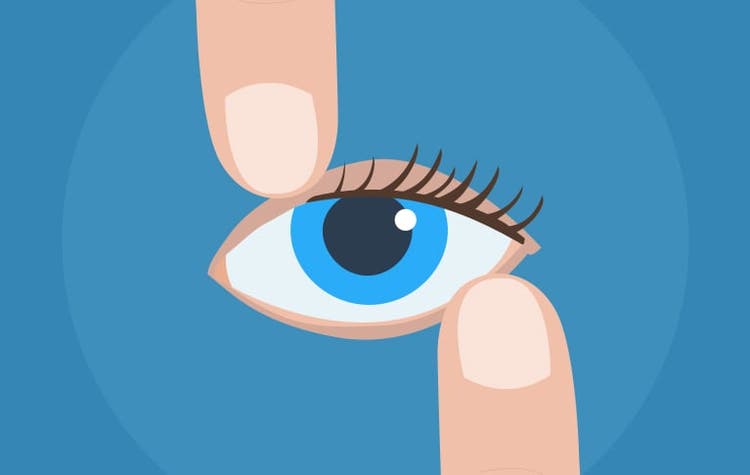
5. HOLD EYE OPEN

Place your middle finger of the hand that’s holding the contact below your eye and pull down gently, use the opposing middle finger to hold your eyelid open.
M
teaser-img-30-70
true

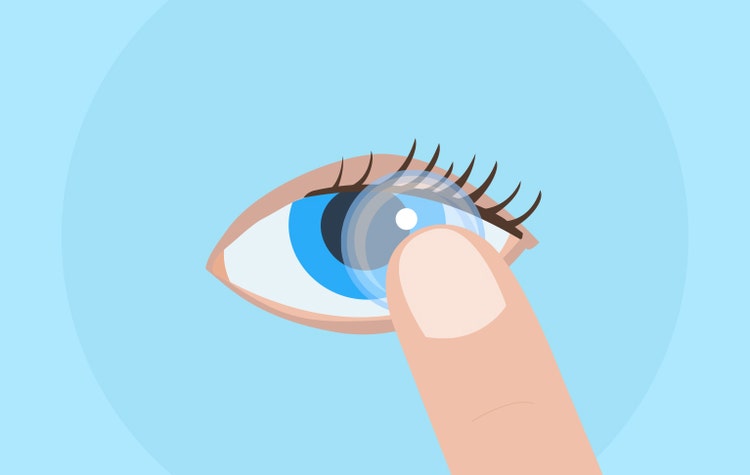
6. INSERT CONTACT LENS

While looking into the mirror, slowly insert the contact with your index finger. Make sure that it’s centered directly over your iris (the colored part of your eye).
M
teaser-img-30-70
true
Release your eyelid and gently blink a few times until it feels comfortable.
M
teaser-img-30-70
true

8. REPEAT

Follow these same steps again with your other contact lens.
M
If the contact feels uncomfortable after it’s in your eye, remove it, make sure it’s not inside out, rinse it with solution, and try again.
XXL
Related Articles
Caring for Your Contacts
Follow these easy tips to care for your contacts and steps to clean your contact lenses for healthy and happy eyes.
thin
How to Get Used to Contacts
Learn how to adjust to wearing new contact lenses.
XXL
Find Your Local America's Best
We look forward to serving all of your eyewear and eye care needs.